[
    {
        "message": "TypeError: $ is not a function\n    at https://www.semadata.org/sites/all/themes/bootstrap_sdc/js/scroll-more.js?rwki00:3:1",
        "trace": null,
        "code": null
    }
]
Resource errors
None
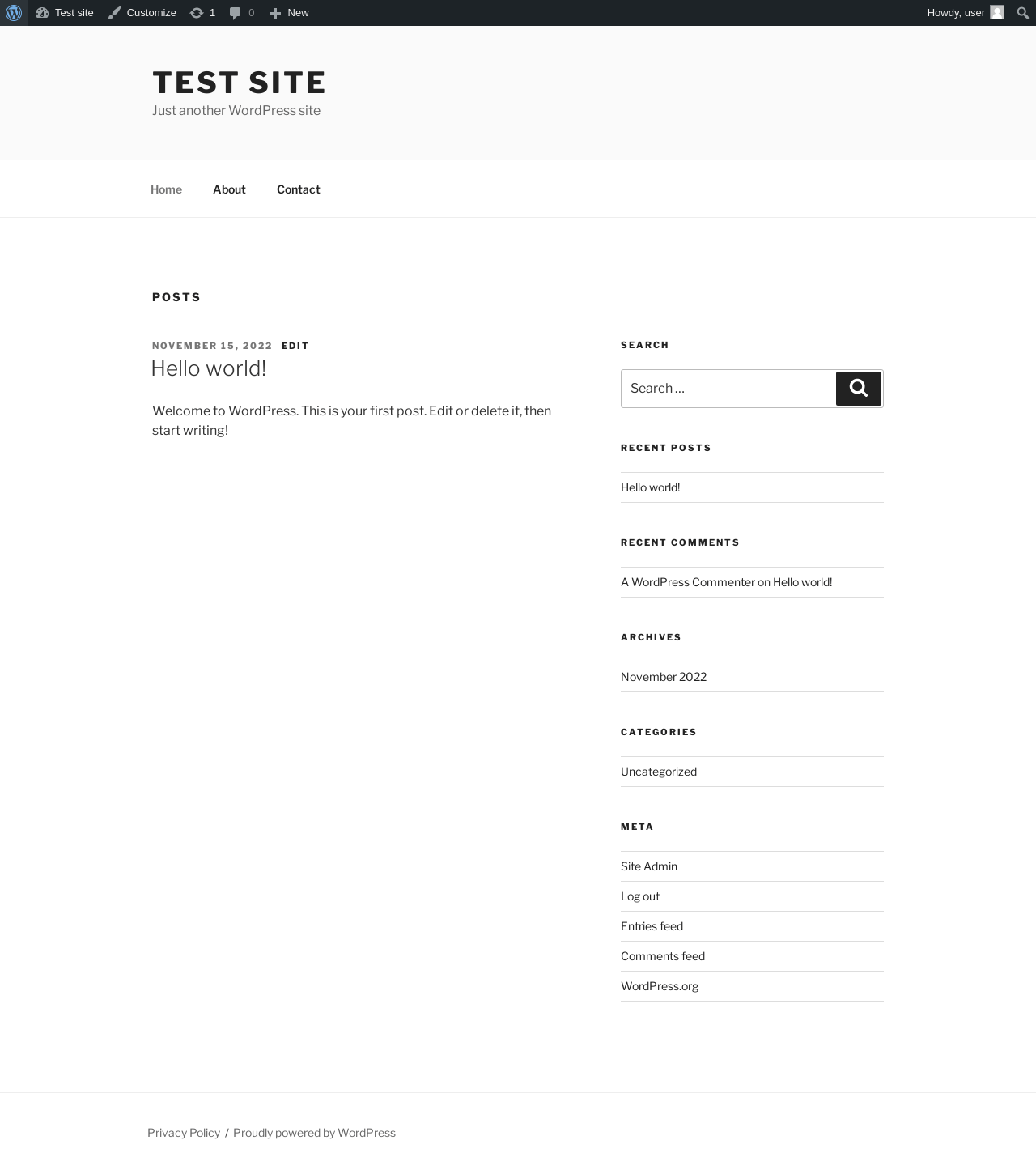
Test site – Just another WordPress site
URL
/
Aspect
front-page
HTTP status
200
Load time
0.594 s
Memory usage
3.05 MiB
JS errors
None
Resource errors
None
Benchmark
URL
Load time
Memory usage
Inactive
Active
Change
Inactive
Active
Change
/wp-admin/index.php
0.275 s
0.627 s
+0.352 s
3.07 MiB
3.11 MiB
+ 38.12 KiB
/wp-admin/edit.php
0.182 s
0.298 s
+0.116 s
3.1 MiB
3.14 MiB
+ 41.41 KiB
/wp-admin/post-new.php
0.742 s
1.058 s
+0.316 s
5.02 MiB
5.06 MiB
+ 43.69 KiB
/wp-admin/upload.php
0.527 s
0.395 s
-0.132 s
3.02 MiB
3.04 MiB
+ 22.94 KiB
/wp-admin/options-writing.php
0.172 s
0.238 s
+0.066 s
3.01 MiB
3.03 MiB
+ 12.59 KiB
/wp-admin/media-new.php
0.275 s
0.280 s
+0.005 s
2.99 MiB
3.03 MiB
+ 39.45 KiB
/wp-admin/edit-tags.php?taxonomy=category
0.191 s
0.326 s
+0.135 s
3.01 MiB
3.05 MiB
+ 40.92 KiB
/wp-admin/post-new.php?post_type=page
0.591 s
0.867 s
+0.276 s
5.02 MiB
5.06 MiB
+ 43.69 KiB
/wp-admin/options-discussion.php
0.211 s
0.336 s
+0.125 s
3 MiB
3.03 MiB
+ 26.64 KiB
/wp-admin/edit-comments.php
0.222 s
0.292 s
+0.070 s
3.03 MiB
3.05 MiB
+ 21.94 KiB
/
0.303 s
0.245 s
-0.058 s
2.97 MiB
3.05 MiB
+ 80.41 KiB
Average
0.336 s
0.451 s
+0.116 s
3.39 MiB
3.42 MiB
+ 37.44 KiB
Code Statistics
Note: Third-party libraries and minified JS/CSS files are excluded from these statistics where
possible, so the numbers you see here may be lower than those reported by other tools.
Things that the plugin adds to the site. This section is not intended to be comprehensive.
The test tool only looks for a few specific types of added content.
Database Tables 5
wp_sema_attr_taxonomy
wp_sema_brands
wp_sema_fitment
wp_sema_parts
wp_sema_products
Options wp_options2
sema_plugin_version
sema_settings
PHP Error Log 12 lines
[31-Jul-2023 17:32:56 UTC] WordPress database error Key column 'id' doesn't exist in table for query CREATE TABLE wp_sema_products (
			`productid` int(11) NOT NULL,
			`brandid` varchar(5) CHARACTER SET utf8mb4 COLLATE utf8mb4_unicode_ci NOT NULL,
			`partno` varchar(50) CHARACTER SET utf8mb4 COLLATE utf8mb4_unicode_ci NOT NULL,
			`status` int(11) DEFAULT NULL,
			`wpid` int(11) DEFAULT NULL,
			PRIMARY KEY (`id`),
			KEY `idx_wpid` (`wpid`) USING BTREE,
			KEY `idx_brandid` (`brandid`) USING BTREE,
  			KEY `idx_brandidpartno` (`brandid`,`partno`) USING BTREE
		  ) DEFAULT CHARACTER SET utf8mb4 COLLATE utf8mb4_unicode_520_ci made by activate_plugin, do_action('activate_sema-api/sema-api.php'), WP_Hook->do_action, WP_Hook->apply_filters, sema_activation, sema_create_tables, dbDelta
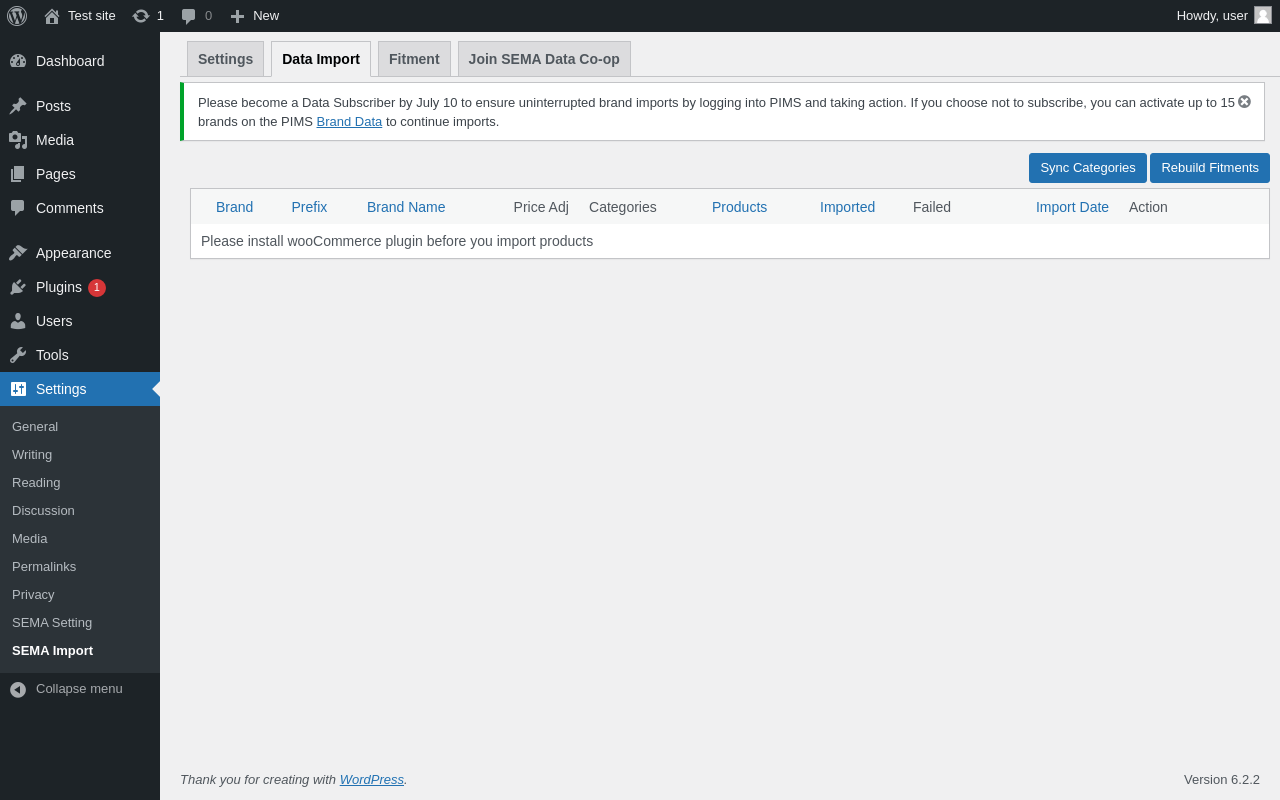
[31-Jul-2023 17:33:01 UTC] WordPress database error Table 'wordpress.wp_sema_products' doesn't exist for query SELECT count(*) FROM wp_sema_products; made by require_once('wp-admin/admin.php'), do_action('settings_page_sema_import'), WP_Hook->do_action, WP_Hook->apply_filters, sema_product_import_page, include('/plugins/sema-api/includes/views/html-sema-import-greeting.php')